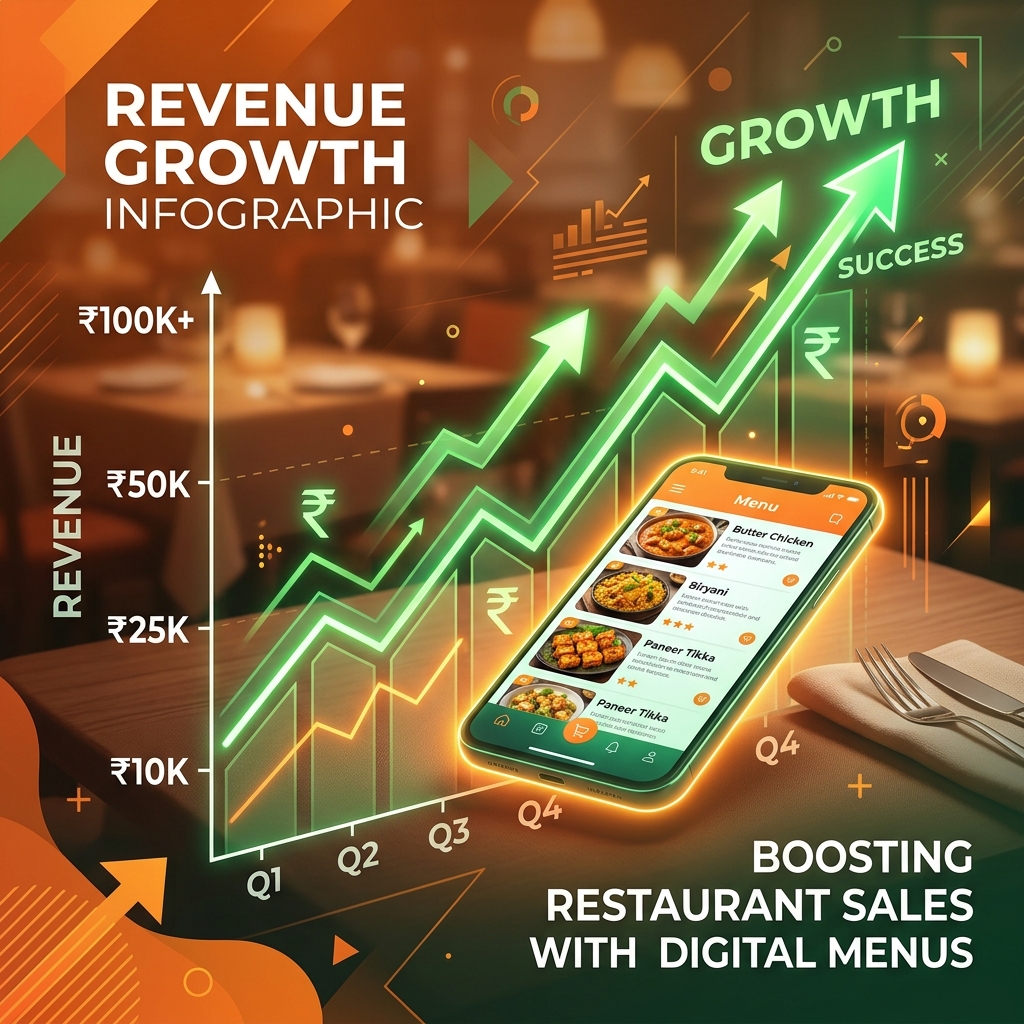
The Numbers: What Digital Menus Do to Revenue
7 Ways Digital Menus Drive More Revenue
1. Food Photos Sell — Paper Menus Can't Show Them
A well-lit photo of a dish increases its order frequency by up to 30%. Paper menus rarely include photos due to printing costs. Digital menus let you add photos to every item at no extra cost. Even a smartphone photo taken in good natural light is enough — you don't need a professional photographer.
2. "Chef's Special" and "Bestseller" Tags Guide Choices
When customers are undecided, a "Bestseller" badge on your highest-margin dish nudges them toward it. Studies show 60%+ of people who see a "Popular" tag on an item consider ordering it. On DineWaves, you can add these badges with one click and change them based on the day, season, or stock.
3. Strategic Menu Ordering — Put High-Margin Items First
Customers spend most of their attention in the first 30 seconds on the menu. Digital menus let you reorder categories and items instantly. Place your highest-margin dishes (typically mains and beverages) at the top. Change the order during lunch vs. dinner service if patterns differ.
4. Instant Price Updates = No More Losing Money on Old Pricing
With paper menus, there's often a lag between ingredient cost increases and menu price updates — sometimes months. Restaurants lose real money during this lag. With a digital menu, you update prices in 30 seconds. When onion prices spike, your menu reflects the correct price immediately.
5. Limited-Time Offers and Daily Specials Drive Urgency
Run a "Lunch Special" from 12–3 PM? A seasonal "Mango Lassi" in summer? With digital menus you can schedule items to appear and disappear automatically. Urgency prompts like "Available today only" consistently increase order rates for specials.
6. Combo Suggestions and Add-Ons
Add "Goes well with..." descriptions to your main items. If a customer orders Butter Chicken, suggest a Garlic Naan pairing. This single tactic typically adds ₹40–80 per table. Multiply that by 30 covers a day and 300 working days — it adds up to ₹3.6–7.2 lakh extra revenue annually.
7. No "Out of Stock" Awkwardness — Reduce Order Errors
When waiters tell customers a dish is unavailable after they've chosen it, frustration peaks and orders sometimes reduce. Marking items "Out of Stock" on the digital menu before service eliminates this entirely — customers only choose from what's available, reducing order errors and improving satisfaction.
Revenue Projection: 30-Table Restaurant
Monthly Revenue Impact Estimate
* Estimates based on industry averages. Actual results vary by restaurant type, location, and implementation quality.
Start Increasing Your Revenue Today
Add food photos, bestseller tags, and combo suggestions to your menu — free on DineWaves.
Create My Menu →Frequently Asked Questions
हाँ। फ़ूड फ़ोटो और "Bestseller" टैग वाले आइटम पर ऑर्डर 20-30% तक बढ़ जाते हैं। भारत में खासतौर पर मिठाई और शेक जैसे आइटम पर यह असर ज़्यादा देखा जाता है।
No. A smartphone camera in good natural light produces results good enough for a digital menu. Shoot dishes in daylight (near a window), with a clean background. Avoid flash — it flattens food and reduces appetite appeal. Even basic photos are better than no photos.
Yes. With DineWaves, you can create time-based sections or duplicate your menu and share different links for different meal periods. Many restaurants share the lunch menu link from 11 AM–3 PM and the full dinner menu link for evening service.