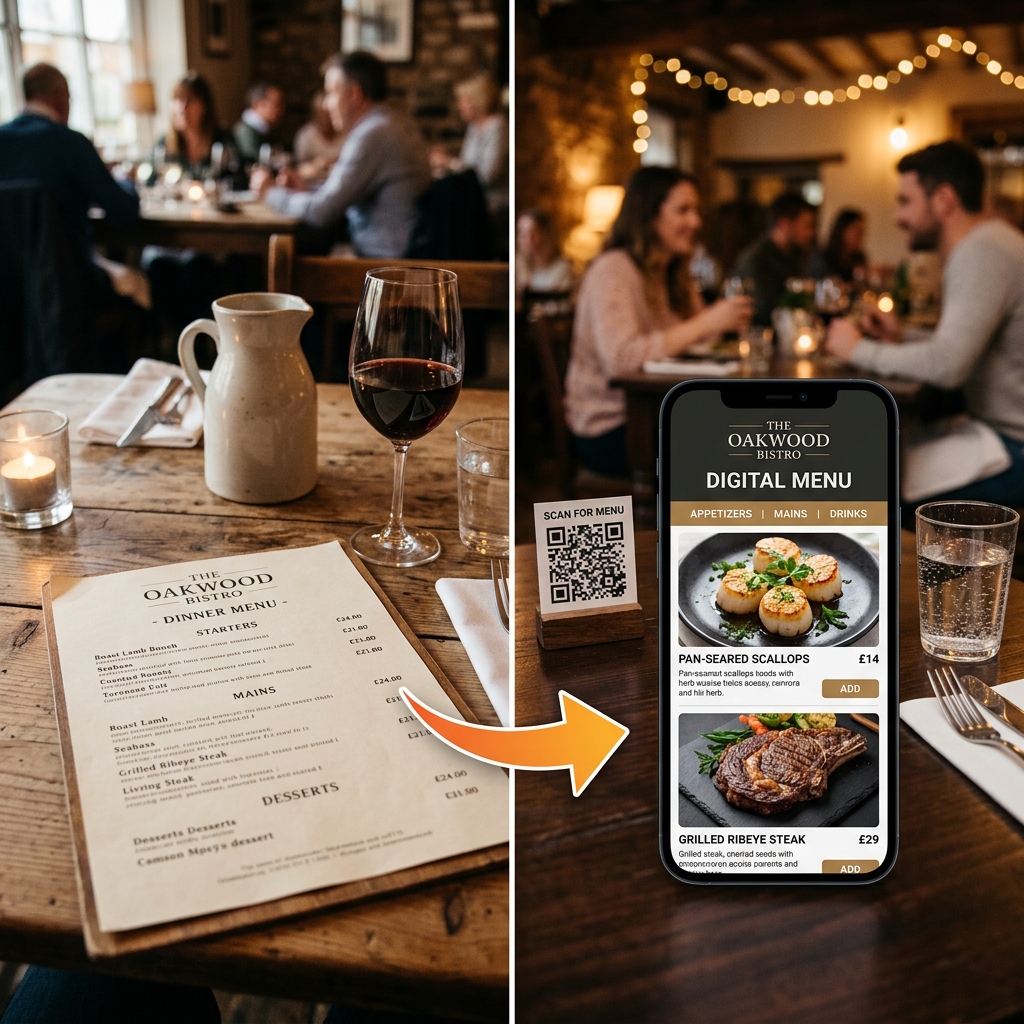
Converting your paper menu to a digital doesn't have to be a tech project. Most Indian restaurants can go live within 48–72 hours. Here's the exact process — from what you need to prepare to what goes on each table.
What You'll Need Before You Start
You don't need much. Before contacting any digital menu provider, gather:
- Your current menu — PDF, Word document, or even clear photos of the printed menu
- Your restaurant logo (PNG or JPG, any size)
- Your FSSAI licence number
- Food photos, if you have them (even phone photos work to start)
- Your WhatsApp number — most India-based providers communicate this way
The 7-Step Conversion Process
Organise your menu content
Group your items into clear categories: Starters, Mains, Breads, Beverages, Desserts, etc. If your current menu is disorganised, this is a good time to restructure it. Digital menus work best with clear category navigation.
Mark which items are vegetarian and which are non-vegetarian — this is a legal requirement under FSSAI rules, and digital menus should display the green/red dot symbols.
Choose between DIY and concierge setup
DIY platforms (free or low cost) require you to manually enter every dish, price, description, and photo. Budget 4–8 hours of work minimum, plus another 2–3 hours learning the platform. Good if you have time and enjoy tech.
Concierge platforms (like DineWaves) handle everything. You send the PDF; they build the menu. You review and approve. Typical turnaround is 2 minutes. Best for busy restaurant owners who don't want to spend time on setup.
Send your menu for conversion
With a concierge service: WhatsApp your PDF/photos, logo, and any special instructions (e.g., "mark all items with chicken as non-veg", "keep Jain options in a separate section").
With DIY: log into the platform dashboard and start creating your menu category by category.
Add your food photos
This step has the highest return on investment of anything in this guide. Restaurants with food photos see 20–25% higher average order value. Even professional-looking phone photos work — good lighting, white plate, natural light near a window.
Priority: photograph your highest-margin items first — starters, signature dishes, desserts. These are the items where visual menus drive the most upsells.
Set up FSSAI compliance
Every food business in India must display its FSSAI licence number. On a digital menu this means it should appear in the footer or about section of your menu, clearly visible. Your platform should also support the mandatory veg (green dot) and non-veg (red dot) symbols on every item.
Failure to display FSSAI information is a compliance violation — even on digital menus.
Review on mobile before going live
Open the menu on your phone exactly as a guest would. Check that all prices are correct, all categories appear, photos look good on mobile, and the veg/non-veg symbols are accurate. Most providers allow unlimited revision requests before you go live.
Place QR codes on your tables
Your provider will give you a QR code (digital download) or physical stands. Place one on each table at eye level. Brief your staff: "Guests scan this with their phone camera — no app needed. The menu opens automatically."
For the first two weeks, keep a few paper menus at the host stand for guests who are unfamiliar with QR codes.
Common Mistakes to Avoid
- Using a free QR generator without a menu platform behind it. A QR code that links to a PDF is not a digital menu — it's slow, unbranded, and can't be updated.
- Skipping food photos. A text-only digital menu offers no advantage over paper. Photos are what make the investment worthwhile.
- Not briefing staff. If your team can't explain the QR code to a guest in 10 seconds, you'll get complaints. Do a 5-minute briefing before the first service.
- Incorrect veg/non-veg marking. This is a legal requirement, not an optional feature. Double-check every item.
What It Costs
Digital menu services in India range widely. At the budget end, DIY tools start at free but require your time. Managed concierge services start around ₹999/month and include setup, hosting, and ongoing support. The average Indian restaurant spends ₹25,000+ per year on menu printing — a digital menu pays for itself in the first 1–2 months.
Ready to go live in 2 minutes?
Send us your menu PDF on WhatsApp. Our concierge team handles everything — design, setup, and — so you can focus on the food.
Start on WhatsApp